
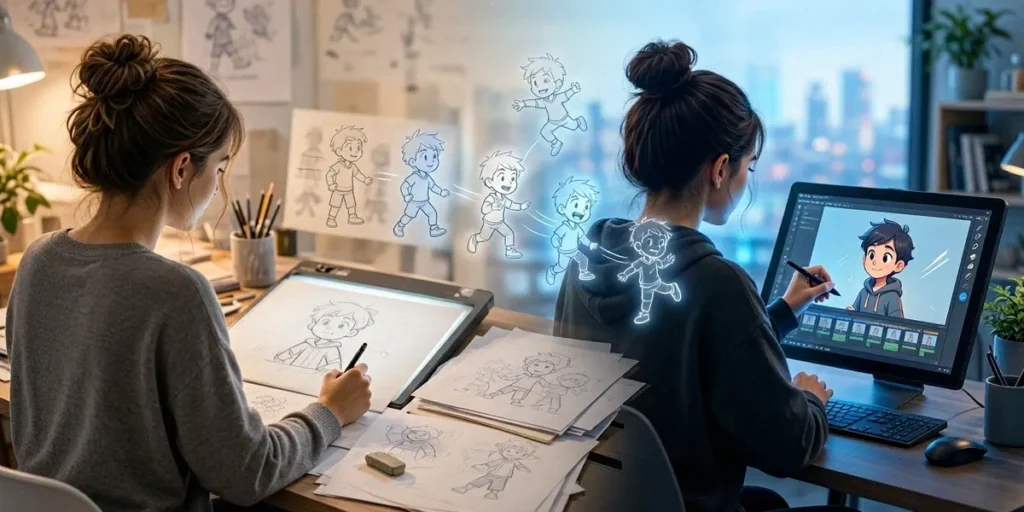
Traditional versus Digital Animation: Tools for Beginners
Our team still laughs about our first animation attempts. One of us spent three weeks hand-drawing a bouncing ball on paper, only to realize the frames were numbered backwards. Another downloaded Blender, stared at the interface for twenty minutes, and quietly closed the laptop. If you’re standing at the same crossroads — pencil in one hand, graphics tablet in the other — you’re not alone. The traditional versus digital animation debate trips up nearly every beginner, and the honest answer is that both paths lead somewhere worth going.
The Great Debate: Traditional vs Digital Animation
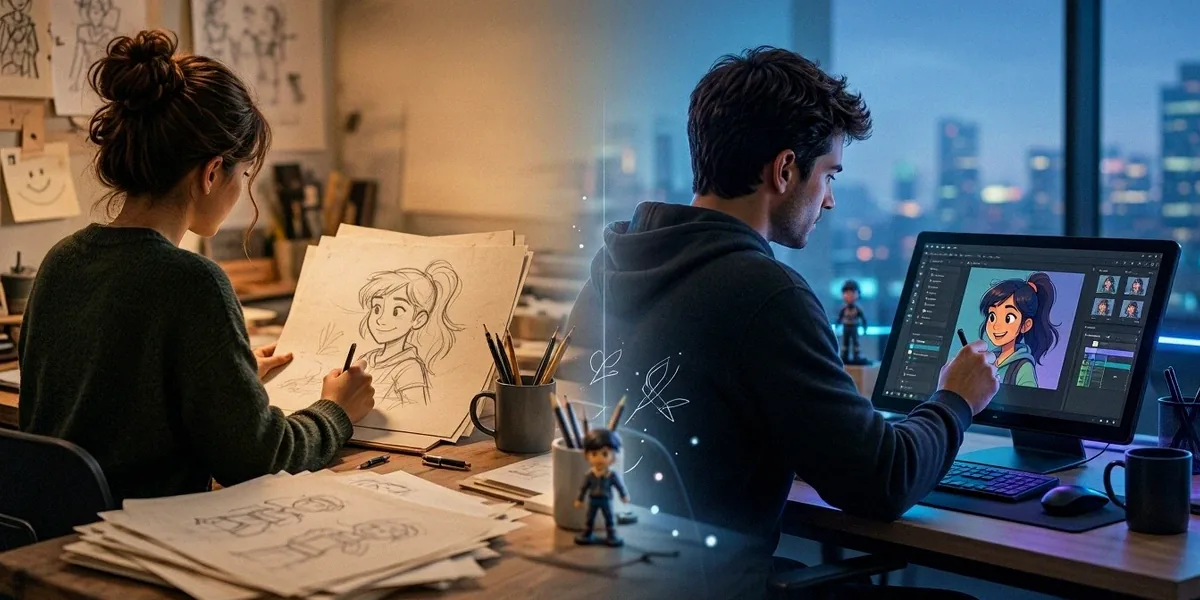
The divide between traditional and digital animation isn’t really about which one is “better.” It’s about workflow, feel, and where you want your skills to take you. Traditional animation means every frame is created by hand — drawn on paper, painted on cels, or physically posed and photographed. Digital animation means the frames live inside software, whether that’s 2D vector animation, 3D character rigging, or compositing.
Montreal’s animation scene genuinely embraces both. Walk through the Plateau and you’ll find illustrators sketching in cafés alongside 3D artists working remotely for studios downtown. That mix is part of what makes this city such a strong place to learn.
What Counts as Traditional Animation?
Traditional animation covers hand-drawn frame-by-frame work, cel animation, and stop-motion. Think of the classic Disney pipeline — animators drawing on paper over a light table, then transferring to cels — or the painstaking puppet work in films like ParaNorman. Stop-motion uses physical objects, clay figures, or paper cutouts, photographed one frame at a time. Both approaches demand patience and a strong grasp of timing, weight, and spacing.
What Counts as Digital Animation?
Digital animation includes 2D software animation (Toon Boom Harmony, Adobe Animate, TVPaint), 3D animation (Blender, Maya, Cinema 4D), and motion graphics. The frames are drawn, rigged, or generated on a computer. Digital workflows are faster to revise, easier to share, and dominate most commercial production pipelines today — but they still rely on the same fundamental principles of animation that traditional artists developed a century ago.
Why Montreal Is a Unique Hub for Both
Montreal is one of the few cities where you can study hand-drawn animation in the morning and tour a 3D studio in the afternoon. Ubisoft Montreal and Sony Pictures Imageworks both maintain major animation operations here, and Toon Boom Harmony — a leading animation software used worldwide — is headquartered in Montreal. That local presence means students here have unusually direct access to industry tools, mentors, and job pipelines.
Essential Tools for Traditional Animation Beginners
If you want to start with traditional animation, you don’t need much. A sketchbook, a pencil, and a willingness to draw the same bouncing ball fifty times will teach you more than any expensive setup. That said, a few tools make the learning curve gentler.
Drawing Materials and Light Tables
A light table (or a cheap LED tracing pad) lets you see through stacked sheets of paper so you can check your animation as you go. Peg bars keep your paper aligned frame to frame. For supplies, DeSerres is a popular art supply store chain in Montreal, and you’ll find animation paper, peg bars, and pencils there without ordering online. Start with:
- Animation paper or smooth Bristol board
- 2B and HB pencils plus a kneaded eraser
- A light table or LED tracing pad
- A peg bar and a simple line tester app for your phone
Stop-Motion Basics: Clay, Armatures, and Dragonframe
Stop-motion is the most accessible entry point for many beginners because it’s physical and immediate. You’ll need modeling clay (plasticine works well), wire armatures for characters that need to hold poses, a sturdy tripod, and consistent lighting. Dragonframe is the industry-standard capture software, and it’s what most professional stop-motion studios use. A smartphone with a stop-motion app can get you started for free.
Paper vs Digital: When to Go Analog
We recommend paper when you’re learning the fundamentals — timing, spacing, squash and stretch. Paper forces you to commit to each drawing and think about motion rather than tools. Once you understand how a walk cycle actually works, transitioning to digital becomes much easier because you’re solving animation problems instead of software problems.
Essential Tools for Digital Animation Beginners
Digital animation has a lower barrier to entry than most people expect. You can start with free software on a modest laptop and produce work that looks professional within months.
Free and Affordable Software Options
Blender is the obvious starting point for 3D — it’s free, open-source, and used in real production. Krita and OpenToonz are solid free options for 2D. If you want to try hand-drawn digital animation without spending anything, Krita’s animation tools are surprisingly capable.
Industry-Standard Software: Toon Boom and Adobe
Toon Boom Harmony is the software you’ll encounter in most Montreal 2D studios — and yes, it’s made right here in the city. Adobe Animate remains popular for web and television work. Learning Harmony specifically gives you a real advantage if you plan to work locally, since so many studios in the area rely on it.
Hardware: Tablets, Computers, and Monitors
A Wacom tablet (even an entry-level Intuos) is the standard drawing tool for digital animators. For 3D work, a mid-range PC or Mac with a dedicated GPU handles Blender comfortably. Don’t overlook your monitor — color accuracy matters more than size, especially if you’re doing any compositing or color work. A calibrated display saves you from nasty surprises later.
How to Choose Your Path: Advice from Our Team
The right path depends entirely on what you want to do. Here’s how we’d break it down.
If You Want to Build an Art Portfolio
Focus on traditional drawing fundamentals first. Life drawing, gesture, and anatomy carry over into every animation discipline. A strong art portfolio with figure drawing work will get you further than a portfolio full of half-finished software experiments. Mix in a few short animated pieces to show you can think in motion.
If You Want to Work in Montreal’s Studios
Learn Toon Boom Harmony and get comfortable with 3D basics in Blender or Maya. Studios like Ubisoft Montreal and Sony Pictures Imageworks hire artists who understand both pipelines. Build a reel, not just a portfolio — recruiters want to see motion.
If You’re Taking Animation Courses in Canada
Concordia University in Montreal offers renowned animation programs, and Cégep du Vieux Montréal is another strong local option. Animation courses in Canada generally expect you to arrive with drawing skills, so keep sketching regardless of which program you choose. Ask instructors which software the program emphasizes before you enroll.
Bridging the Gap: Hybrid Approaches and Montreal Resources
You don’t have to pick a side. Some of the most interesting work happening right now blends traditional and digital techniques.
Hybrid Workflows for Beginners
Draw your keyframes on paper, scan them, and clean them up in TVPaint or Krita. Use digital tools to plan stop-motion shots before you build the set. Animate a 2D character in Harmony and composite it into a 3D environment in Blender. Hybrid workflows let you play to the strengths of each medium.
Montreal Animation Communities and Events
Montreal hosts the Fantasia International Film Festival, which features animation prominently every year and is a fantastic place to see what’s possible. Animaze is another local festival worth following. Beyond festivals, there are regular meetups, sketch nights, and studio open houses where beginners are genuinely welcome.
Where to Learn More: Workshops and Courses
Look for weekend workshops at local art schools, community centres, and studios. Many Montreal animation professionals teach part-time, and a short workshop is often the fastest way to figure out whether traditional or digital suits you. Follow local studios on social media — they frequently post about open lectures and portfolio reviews.
Our advice is simple: try both. Spend a month with paper and pencil, then spend a month in Blender or Harmony. You’ll learn more about your own strengths in eight weeks of experimentation than in a year of reading about animation online. Montreal’s animation community is unusually welcoming to beginners, and with Toon Boom Harmony headquartered here, world-class studios down the street, and festivals like Fantasia lighting up the calendar, there’s no better city to start.
FAQ
Do I need to learn traditional animation before digital?
Not strictly, but it helps. Traditional drawing teaches you timing, spacing, and weight — the fundamentals that make digital animation look convincing. You can learn these principles directly in software, but paper forces you to slow down and think about motion.
What’s the best free software for animation beginners?
Blender for 3D, Krita or OpenToonz for 2D. All three are free, well-documented, and used by real artists. Blender in particular has an enormous community and endless tutorials.
Where can I buy animation supplies in Montreal?
DeSerres is the go-to chain for animation paper, pencils, light tables, and clay. For specialty items like peg bars or armature wire, check smaller art stores or order online.
Is Toon Boom Harmony really made in Montreal?
Yes — Toon Boom Animation is headquartered in Montreal, and its Harmony software is used in 2D studios around the world. Learning it locally gives you direct access to the ecosystem that built it.
Which Montreal schools offer animation programs?
Concordia University has one of the most respected animation programs in Canada, and Cégep du Vieux Montréal offers strong college-level training. Both are good starting points if you’re considering formal animation courses in Canada.